
Make a video with Candy AI
Candy AI offers video creation alongside chat and still images. The route you use matters: converting an eligible image, building a scene from presets and watching Candy Shorts are different activities.
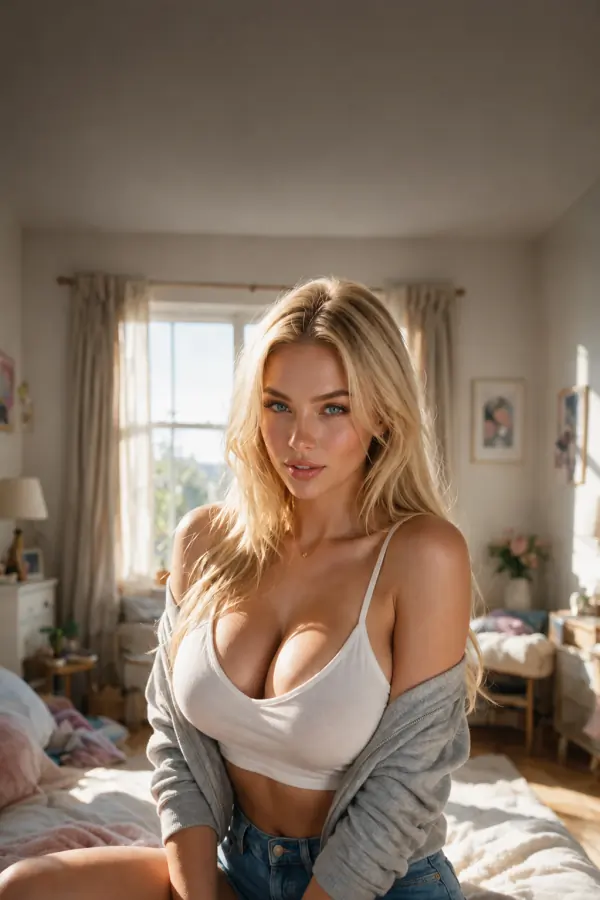
Turn an eligible image into a video
After an image is generated in chat, a suitable result can offer a video-conversion option. Open that option only when it is shown. Not every image has to qualify for animation, and a missing conversion control is not a reason to repeatedly submit the same request.
Check the access requirement and token cost before confirming. Keep the source image and requested motion compatible; a small, clear action is easier to evaluate than several unrelated scene changes.
Build Your Video with preset choices
- Open Build Your Video from the available experiences.
- Choose the character and the scene options offered by the builder.
- Review the available action, location and other preset selections.
- Check the generation conditions, then select Generate video.
- Look for the completed result under My Generations.
What a finished result does and does not mean
Generated movement can differ from the exact details you selected. Review the completed video before deciding whether to make another version. A subscription or preset choice does not guarantee a specific performance in every frame.
A video-generation result is also different from a GIF, a scripted Shorts episode or an interactive Live Action experience. Check the actual download format and the feature you used rather than assuming those labels describe the same tool.
Questions and answers
Does Candy AI make videos?

Yes. Supported video-generation tools can create video content, including conversion of a suitable chat image and preset-based scene creation.
How do I generate a video from an image on Candy AI?
Generate an image in an eligible chat and look for a video-conversion option on a suitable result. If it is available, review the cost and confirm the separate video request.
Are Candy AI videos included with unlimited text chat?
Unlimited text messaging does not mean unlimited media generation. Check the token requirement and the selected plan before creating a video.
Where are Build Your Video results saved?
Completed results from that builder are saved under My Generations. If an expected result is missing, check the request status before paying to repeat it.