Generate images with Candy AI
You can request an image through the generation tools available to your account or from an eligible character conversation. Start with a clear scene and check the displayed cost before generating.
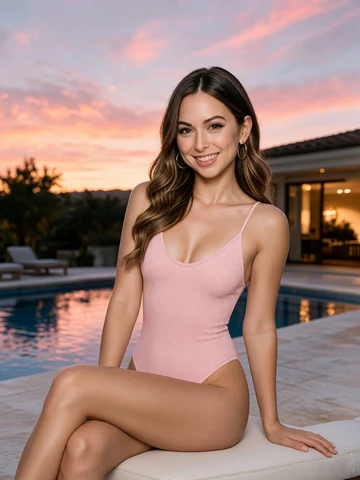
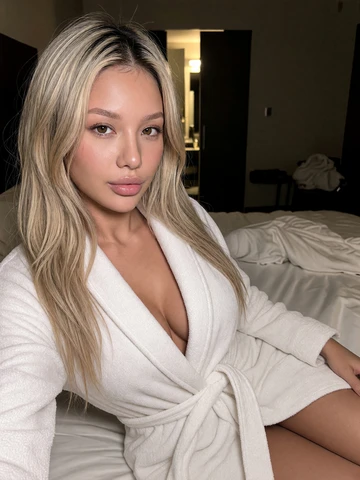
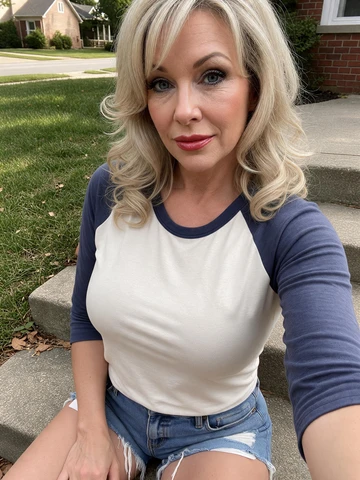
Describe one image at a time
Name the subject, setting, clothing, lighting and composition you want. Keep those details compatible. A request for both a close-up portrait and a distant full-body view gives the generator competing instructions.
For a simple portrait, try a description such as 'An adult fictional character in a blue jacket, standing beside a cafe window, soft daylight, waist-up portrait.' Change one or two details in the next attempt so that you can evaluate the result.
Review the request before spending tokens
- Choose the character or image-generation entry available in your account.
- Write a concise scene description and review the supported options.
- Check the displayed token price and whether you have the required access.
- Generate one result and review the appearance, composition and requested details.
- Save or download the result using the available control before starting another request.
Images, editing and animation are not interchangeable
An image result is not a promise of a separate editing tool or a particular output format. Use the controls actually shown for that result. If a suitable image offers video conversion, the animation is a separate action with its own conditions.
If an image does not match a detail, revise the request instead of assuming the same prompt will produce an identical result. Use original adult characters and do not request unauthorized likenesses or non-consensual intimate imagery.
Questions and answers
Can Candy AI generate pictures?

Yes. Image generation is available through supported image tools and character chats. Access and token charges are shown for the action you select.
How many tokens does one Candy AI image cost?
The generation control shows the price for your selected option. Check that price and your balance before confirming; a different option or batch can have a different total.
Can I download a generated image?
Use the save or download control available with your image. If the download does not start, check browser permissions and the troubleshooting steps rather than generating another copy immediately.
Will Candy AI reproduce every detail of my image prompt?
No exact match is guaranteed. A coherent request and a small number of changes between attempts make it easier to judge which details need adjustment.
What are some useful Candy AI image prompts?
Try an adult fictional character reading by a cafe window in soft daylight, or a waist-up portrait in a blue jacket against a simple backdrop. Specify one setting and composition, then change one or two details between attempts.