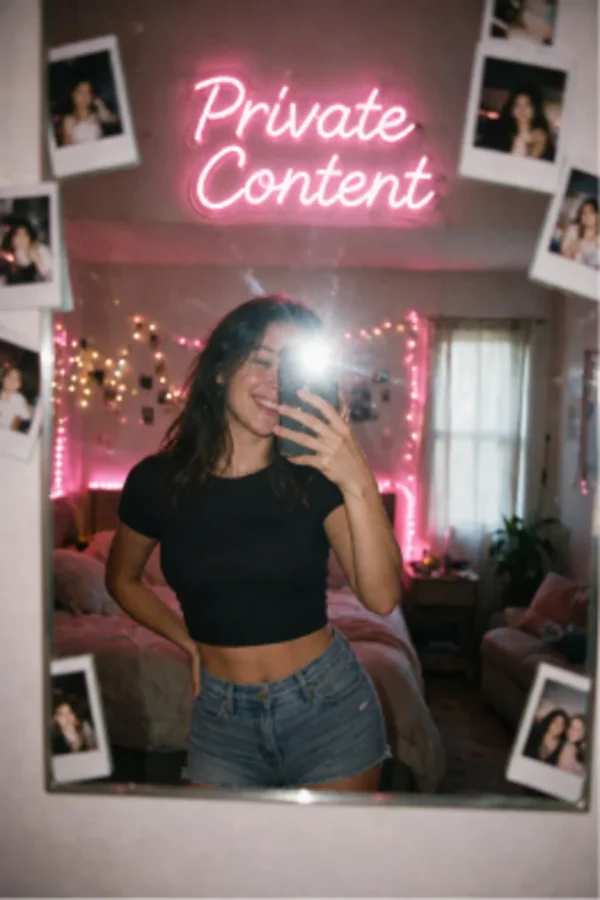
Private Content and character packs
Private Content contains prepared media associated with a character. An unlock opens the selected pack; it is not a request to generate a new scene from a prompt.
Check the pack before unlocking
Review the character, pack description, preview and displayed token requirement. Confirm which account you are using, especially if you previously signed in through a different provider.
A pack and a subscription are separate types of access. Do not assume that an unlimited text plan removes every pack cost or includes every character collection.
Find an existing unlock
Return with the account used for the purchase. If a pack seems locked again, check that account and its purchase history before paying a second time.
Keep the pack name, approximate unlock time and any visible transaction reference if you need support. Do not send passwords or full payment-card details.
Packs or generated media
Choose a pack when you want the prepared selection shown for that character. Choose image generation when you want to describe a new scene. Video-generation controls and Candy Shorts have their own formats and access rules.
Availability can differ by character and account. Use the options displayed for the selected item rather than expecting identical media on every profile.
Questions and answers
Does unlocking Private Content generate a new image?

No. The unlock concerns a prepared pack. Creating an image from your own prompt is a separate action.
Should I unlock the same pack twice if it will not load?
Check the original account, purchase status and loading error first. If the unlock was charged but is unavailable, send support the pack and transaction details before repeating it.